Mouse driver for QBasic programs
Table of Contents
Back to BASIC applications collection
1. Overview
QBasic, a popular programming language of the DOS era, lacks native mouse support. This limitation is a hurdle for developers looking to create interactive applications. To bridge this gap, I developed a workaround that allows QBasic programs to use mouse input.
2. High-level idea
The workaround is a Terminate and Stay Resident (TSR) program written in x86 assembly. It must be started before running any QBasic program that depends on the mouse. The TSR hooks into the system timer interrupt (IRQ 0), which fires about 18.2 times per second, so it can poll the mouse at that rate.
On every timer tick, the TSR reads the mouse motion counters and button states through the mouse driver interrupt (INT 33h) and accumulates them into a small data table in its own memory. It then stores the address of this table in the interrupt vector table slot of interrupt 79h, making the table discoverable by other programs. Interrupt 79h is never actually invoked — its vector slot is simply reused as a well-known storage location for the pointer. This assumes no other software occupies interrupt 79h.
While QBasic cannot access the mouse directly, it can read (and write) arbitrary RAM locations using DEF SEG, PEEK and POKE. The QBasic program retrieves the data table address from the interrupt 79h vector slot and verifies a predefined magic number (1983) at the start of the table to confirm the driver is loaded. Once verified, the QBasic program continuously reads mouse data from this shared memory while the TSR keeps it updated in the background.
3. Terminate and Stay Resident module
A DOS TSR program that hooks the timer interrupt to regularly read mouse input and store it in a dedicated memory table.
Files:
3.1. Data table
In-memory table used to exchange mouse state between the TSR and a QBasic program:
| Offset | Size (bytes) | Description |
|---|---|---|
| 0x00 | 2 | Magic Number (1983) |
| 0x02 | 2 | Horizontal Movement (X), accumulated |
| 0x04 | 2 | Vertical Movement (Y), accumulated |
| 0x06 | 2 | Button Status, latched |
3.2. Transfer protocol
The TSR accumulates: on every timer tick it adds the latest motion deltas to the X and Y fields and ORs the current button state into the Button Status field.
The consumer therefore uses a read-and-reset cycle: it reads a field
and then writes 0 back to it (see the getword / putword routines
in mousedrv.bas). A field that reads as 0 simply means "no new
activity since the last read".
Button Status bits (as reported by INT 33h function 03h):
- bit 0
- left button
- bit 1
- right button
- bit 2
- middle button
Bits stay set (latched) until the consumer clears the field.
4. Building
The TSR is written for the flat assembler (FASM). To produce
qbext.com, run:
./build.sh
5. Usage
- Boot DOS (or start DOSBox).
- Load the TSR by running
QBEXT.COM. A startup banner is printed and the program stays resident in memory. - Start QBasic and run a program that uses the driver, for example
mousedrv.bas.
If the TSR is not loaded, the demo detects the missing magic number and exits with:
FATAL ERROR: you must load
QBasic extension TSR first!
6. QBasic demonstration program
A QBasic program that reads mouse data from the memory table populated by the TSR and demonstrates mouse movement and button clicks. It switches to 320x200 256-color graphics mode (SCREEN 13) and draws a circle that follows the mouse. Current coordinates and a frame counter are displayed at the top of the screen; button presses are printed as they occur. Press any key to exit.
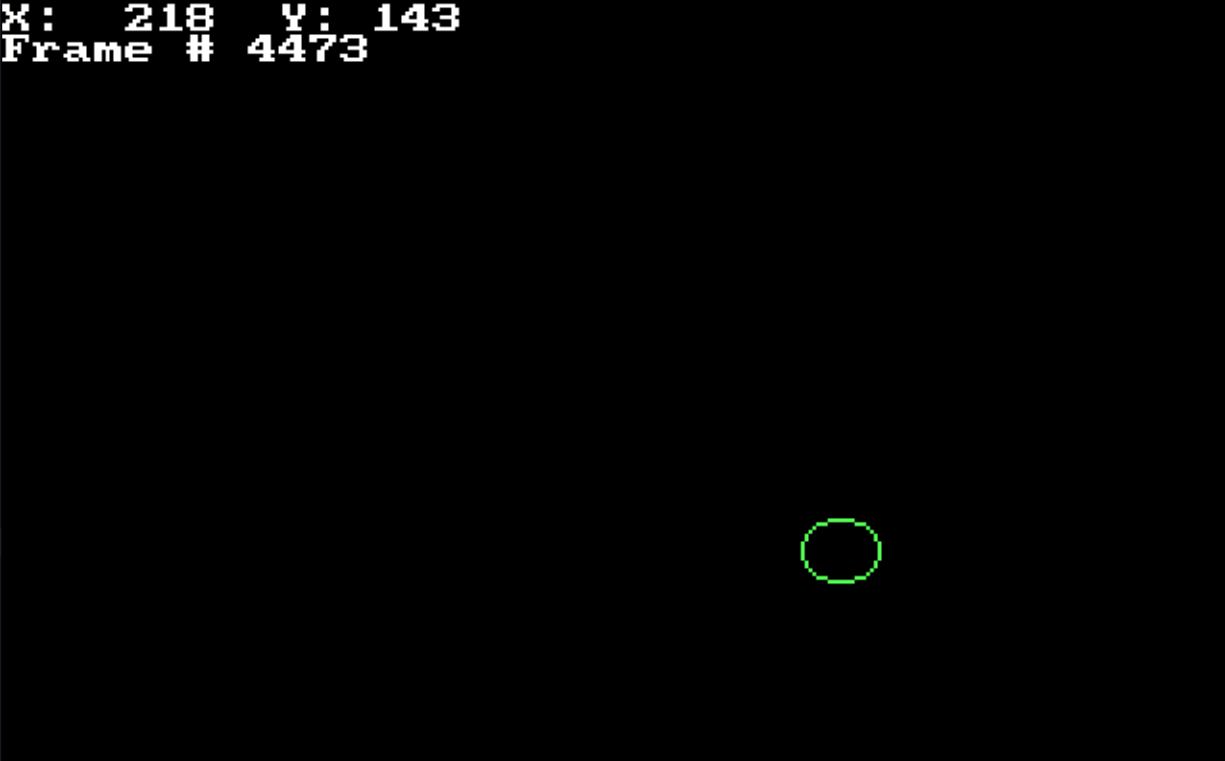
The demonstration program running in 320x200 256-color graphics mode (SCREEN 13). The green circle is the mouse cursor: on every frame the program reads the accumulated X and Y movement deltas from the TSR's shared memory table with PEEK (and resets them back to zero with POKE), clamps each step to at most 50 pixels, erases the old circle and redraws it at the updated position. The top line shows the current cursor coordinates together with a running frame counter, while button presses read from the latched Button Status field would be printed below as they occur.
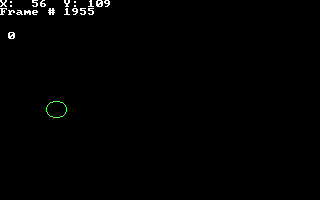
The same demonstration program, captured at the native 320x200 resolution of SCREEN 13. The top line shows the cursor position (X: 56, Y: 109) beside the running frame counter, and the green circle on the left follows the mouse. The lone 0 on line five is the Button Status word read from the TSR's shared table: the demo prints it every frame and immediately resets the field with POKE, so a nonzero value appears only in the frame where a button was pressed.
Here are more practical examples where this mouse driver is being used: Within Space themed 3D graphics, see:
- Galaxy explorer
- Universe explorer